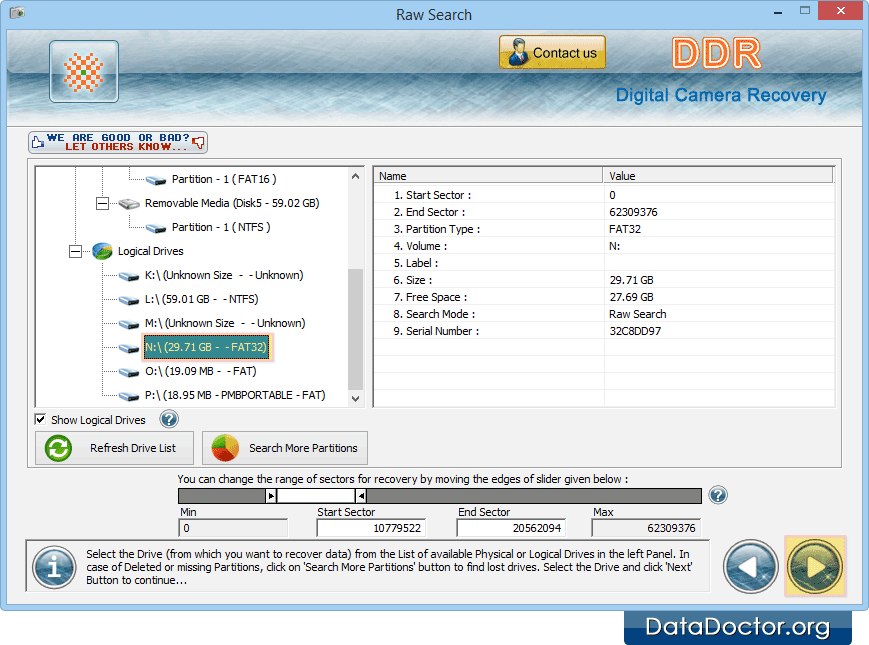
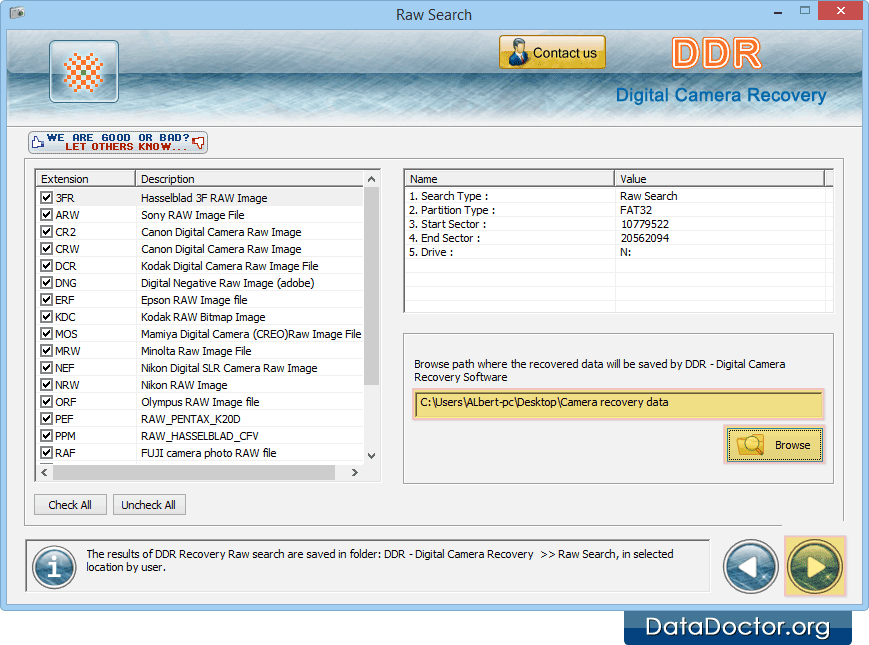
Select drive from which you want to recover lost data files and go to next screen. Browse destination path where you want to save recovered data files and click next option to proceed. Back Next Introduction About Data Recovery Software How To Use Documentation Why Pro Data Doctor Information About Digital Camera Data Recovery Software Digital Camera Data Recovery Software Overview Software Features License Agreement Software Toolbar Searching Criteria Searching Partition Case Studies FAQ and Troubleshooting Common Features Of Data Recovery Log Save Recovered Data Software Guidelines Help Desk