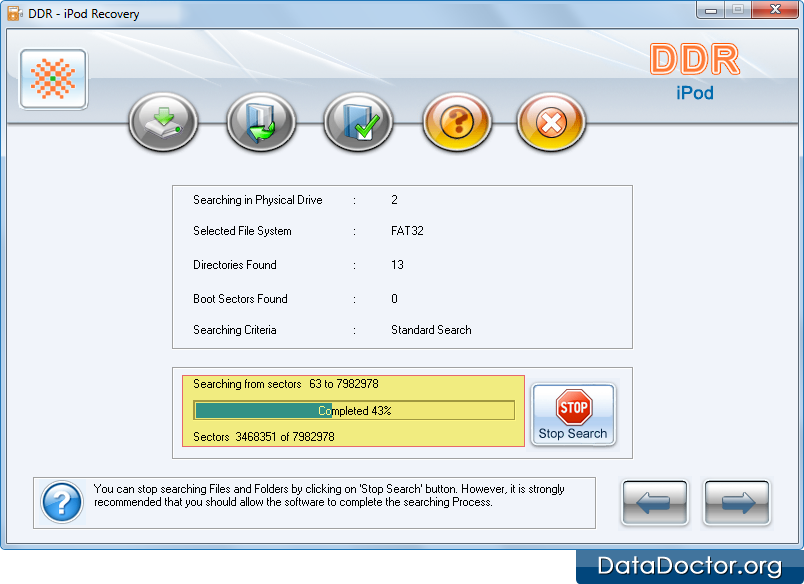
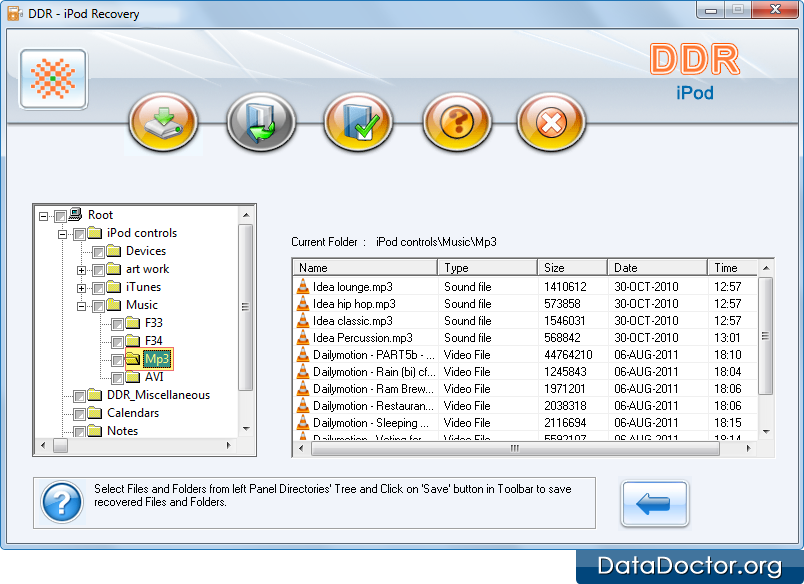
Select logical disk partition from left panel and then click on Next button to proceed. User can see the recovered data in the left panel of the screen shown below. The user can check the box in left panel to see the content or files of directory. Back Next Introduction About Data Recovery Software How To Use Documentation Why Pro Data Doctor Information About iPod Data Recovery Software iPod Data Recovery Software Software Overview Software Features License Agreement Software Toolbar Searching Criteria Searching Partition Case Studies FAQ and Troubleshooting Common Features Of Data Recovery Log Save Recovered Data Software Guidelines Help Desk