Partition Recovery
Partition Restoration Software Home Contact us Support Downloads Data Recovery Software
 

Introduction


NTFS Data Recovery Software

Common Features Of Data Recovery Software
 
Log
Save Recovered Data
Software Guidelines
Help Desk

NTFS Data Recovery Software Knowledgebase

Searching Criteria

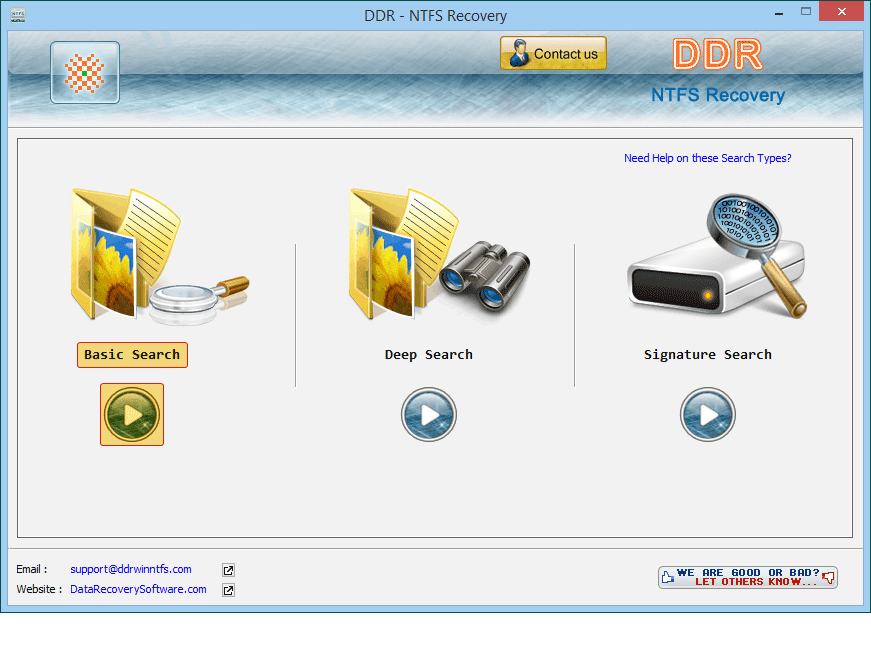
Two searching (scanning) modes are available to user i.e., Standard Search and Advance Search.

1.Standard Search

Standard searching mode is used in case of files, directory and other data lost due to unintentional deletion, virus/worm infection, software failure and human error.

restore deleted folders deleted photos recovery keylogger program
mobile phone recovery software keylogger unerase usb file
send bulk sms deleted files recovery laptop data recovery

2.Advance Search

Advanced search is used to recover data from formatted partition drive or other data recovery which is not possible using standard search.

These two search mode have been pointed in the figure shown below:

Two search mode

1.Standard Search

User needs to select disk drive from left panel first then “Standard Search” option will be selected. Click on Next button to continue.

Select standard search

Previous page   Next page


Home | Contact us | Support | Downloads | Products | Terms and Conditions | Resources | Sitemap