

Home › Software Knowledgebase › Information About Removable Media Data Recovery › Searching Criteria

Select the hard disk partition from the left panel from which you want to recover data from the list of available Physical or Logical Drives.
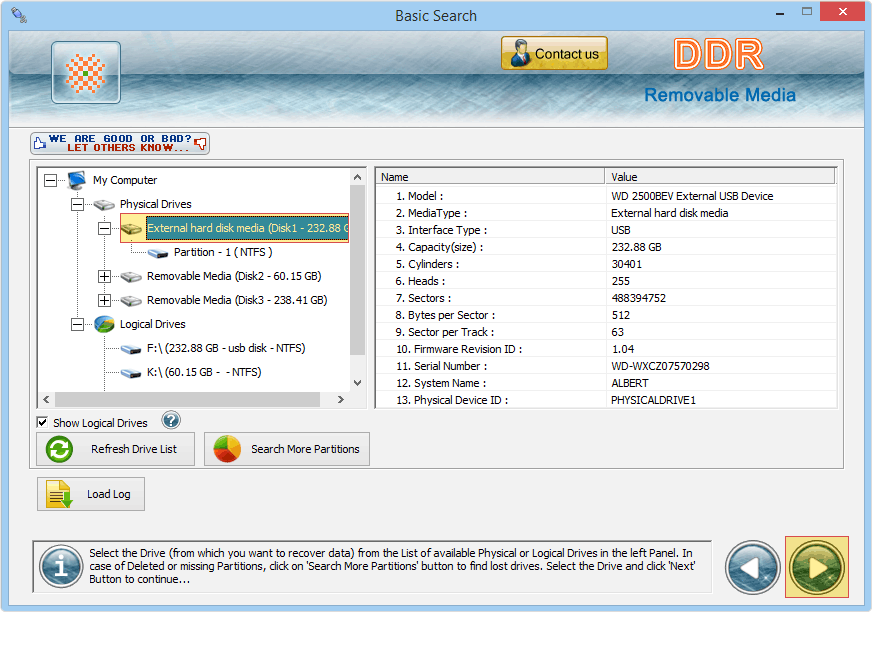
Select the drive from which you want to recover data. In case of deleted or missing partitions, click on 'Search More Partitions' button. Click 'Load log' option if you want to open previously saved log file.
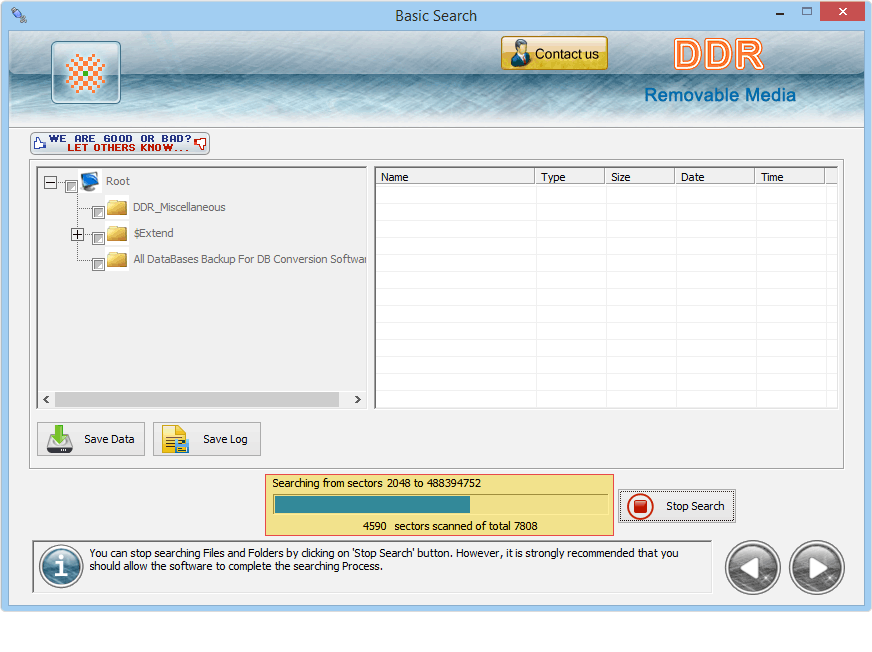
Files scanning process is going on, Drive is scanned for the deleted files and folders. You can stop searching process by clicking on "Stop Search" button.
Data Recovery Software
Database Converter

