Partition Recovery
Partition Restoration Software Home Contact us Support Downloads Data Recovery Software
 

Introduction


Removable Media Data Recovery Software

Common Features Of Data Recovery Software
 
Log
Save Recovered Data
Software Guidelines
Help Desk

Removable Media Data Recovery Software Knowledgebase

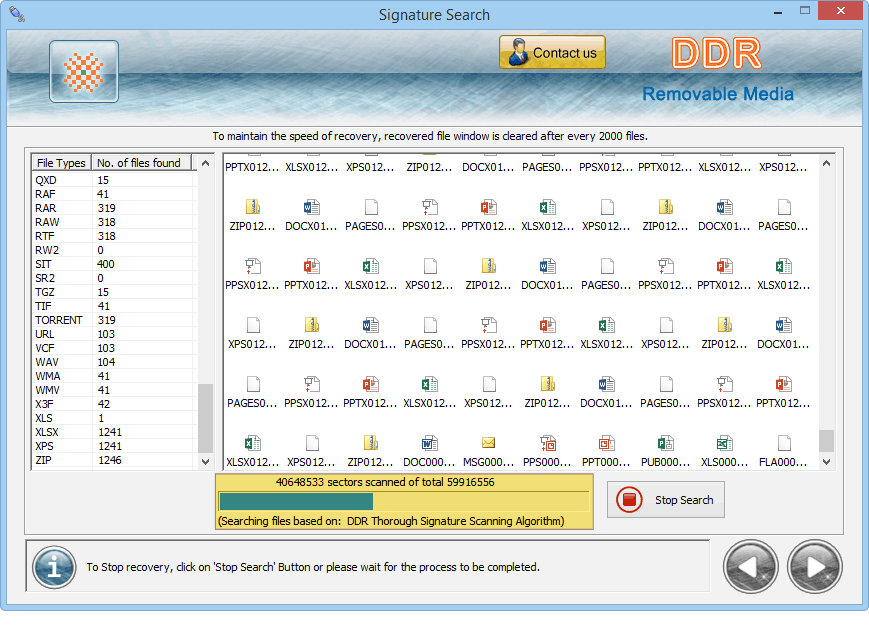
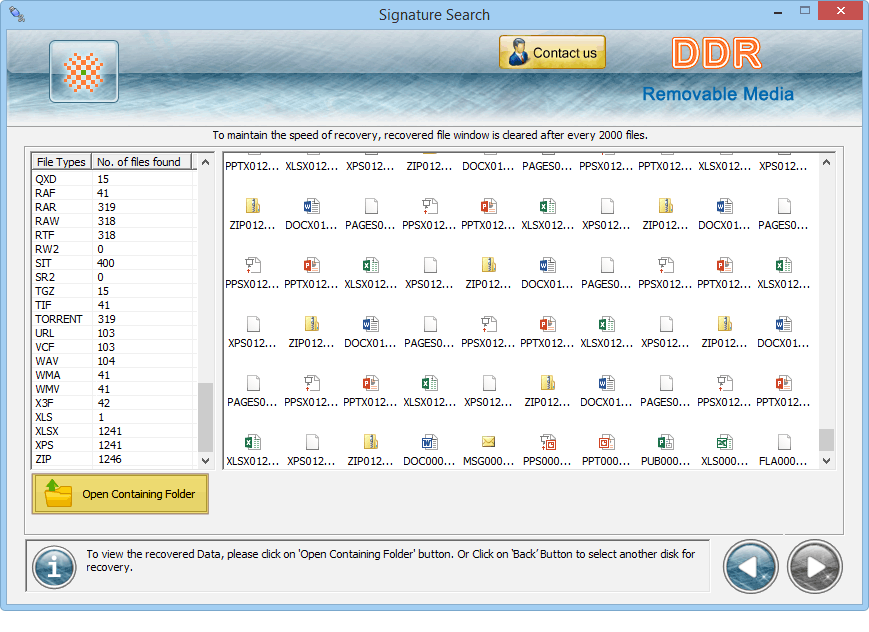
After scanning is completed, the recovered data can be seen in the left panel. The folder content or files can be seen in right panel by clicking on left panel folder.

View recovered data

The recovered data can be saved using left panel by right clicking on folder that displays pop up menu with save option. User need to click on save option.

Save recovered data

After clicking on save option, save dialogue box will appear to ask user to browse the file location and then click on OK button to save the files or folders.

browse the location to save the recovered data files


Previous page   Next page


Home | Contact us | Support | Downloads | Products | Terms and Conditions | Resources | Sitemap