

Home › Software Knowledgebase › Information About Windows Data Recovery Software › Software Overview


Windows Data Recovery Software salvages lost, deleted and inaccessible data files and directory from hard disk drive partitioned on FAT12, FAT16, FAT32, VFAT, NTFS and NTFS5 file system.
DDR Professional - Windows Data Recovery Software recover lost data from different types of data storage devices including hard disk, memory card, USB drive, flash drive and other data storage devices.


Data Doctor’s Windows Recovery Software / DDR Professional – Recovery Software can be started from distinct location:
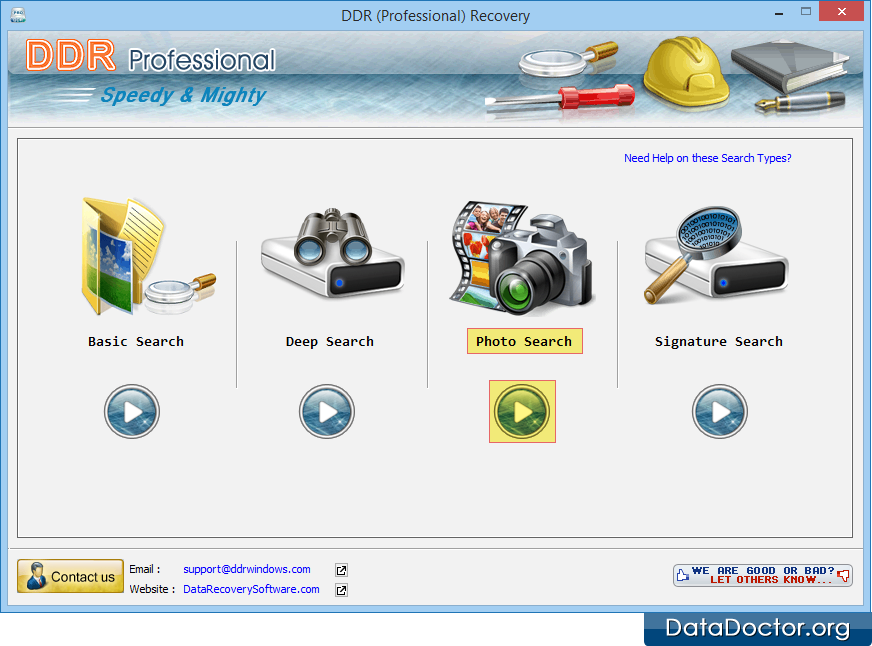
Main screen of Windows data recovery software will be displayed as show below:
|
||
Data Recovery Software
Database Converter

