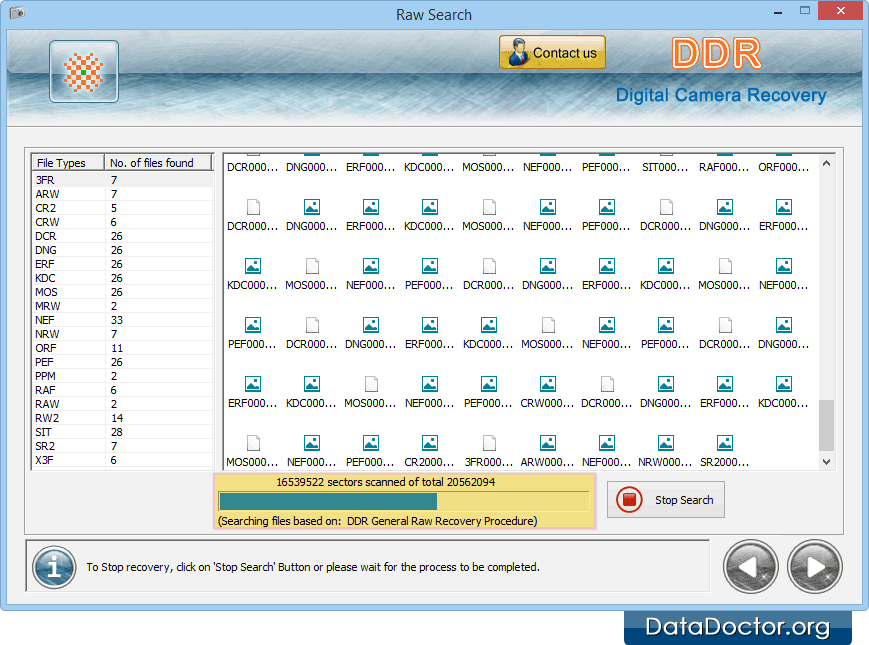
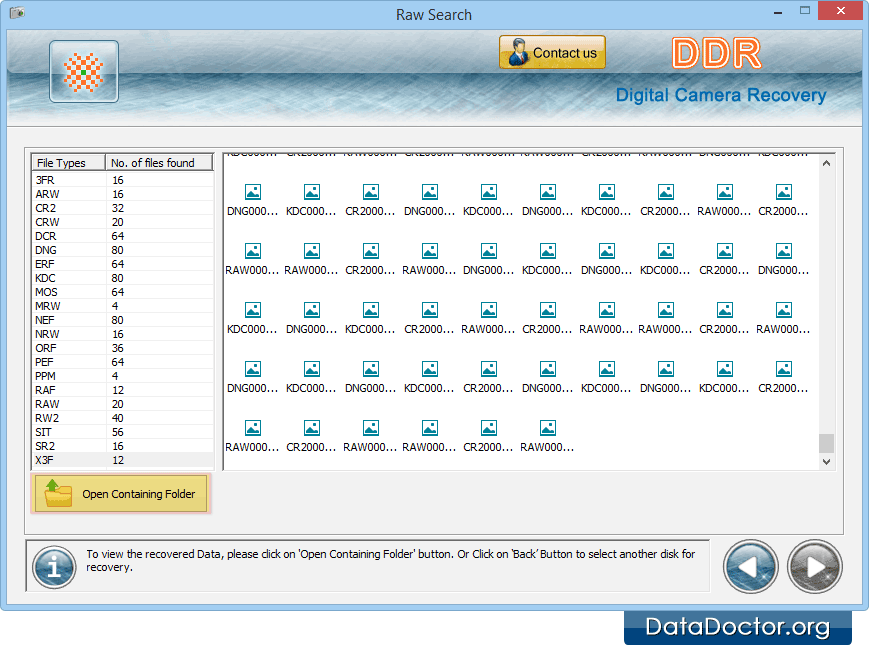
Data recovery is in progress. Progress bar shows the current running status of recovery process. Click on 'Open Containing Folder' button to view recovered data files and folders. Back Next Introduction About Data Recovery Software How To Use Documentation Why Pro Data Doctor Information About Digital Camera Data Recovery Software Digital Camera Data Recovery Software Overview Software Features License Agreement Software Toolbar Searching Criteria Searching Partition Case Studies FAQ and Troubleshooting Common Features Of Data Recovery Log Save Recovered Data Software Guidelines Help Desk