

Searching Criteria
User can see the recovered data in the left panel of iPod data recovery software as shown below. The directory content can be seen after checking the directory in left panel.
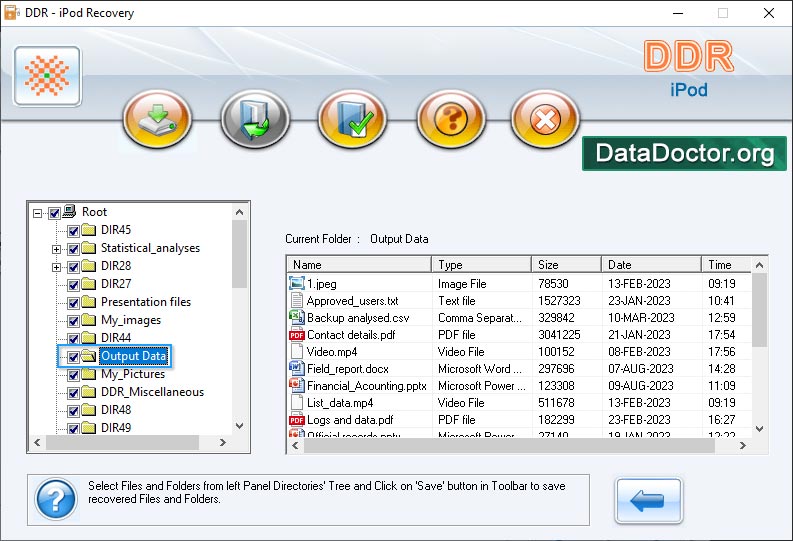
Recovered files or directory can be saved by using either left or right panel. Right click on files or directory; pop up screen will be displayed to show save option to save the files data.
Introduction


Common Features Of Data Recovery
You may also like other software
 Data Recovery Software
 Database Converter
- MSSQL to MySQL Database Converter
- MySQL to MS Access Database Converter
- Oracle to MySQL Database Converter
- MySQL to MSSQL Database Converter
- MS Excel to MySQL Database Converter
- MySQL to Oracle Database Converter
- MS Access to MySQL Database Converter
- MySQL to MS Excel Database Converter
- Excel Converter Software
- Excel to Phonebook Converter
- Excel to vCard Converter
- Excel to Windows Contacts Converter