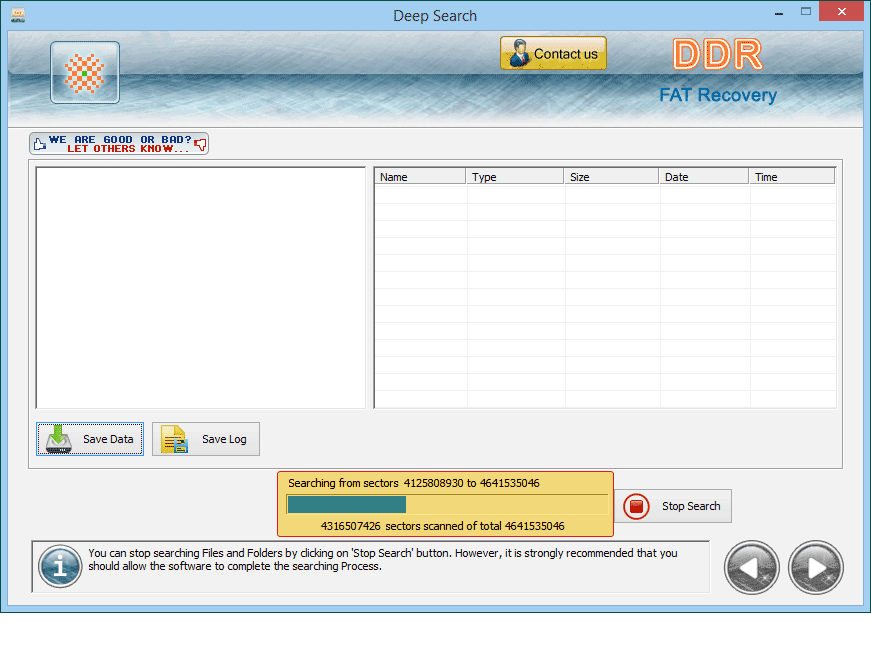
Following screen shows that the drive is scanned for the deleted or lost files and folders -
Searching Process is going on. Here, You can see the current status of searching process. You can stop scanning process by clicking on 'Stop Search' button.
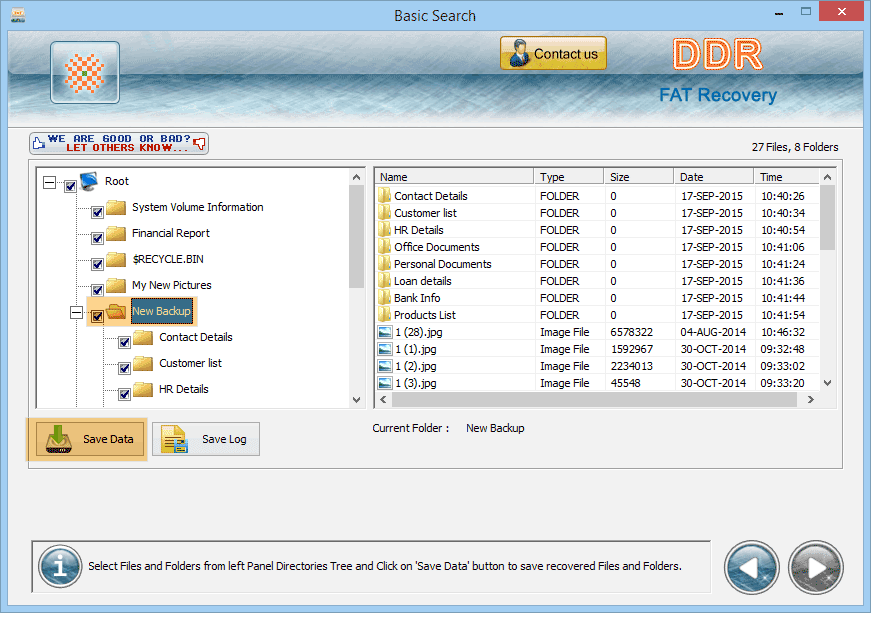
Once completing the searching process, the recovered data has been displayed as shown in the following screen :
You can see the recovered data details with the Name, Type, Size, Date, Time parameters in the right Panel. Now you can select recovered files and folders from left panel directories tree and click 'Save Data' button to save recovered data.